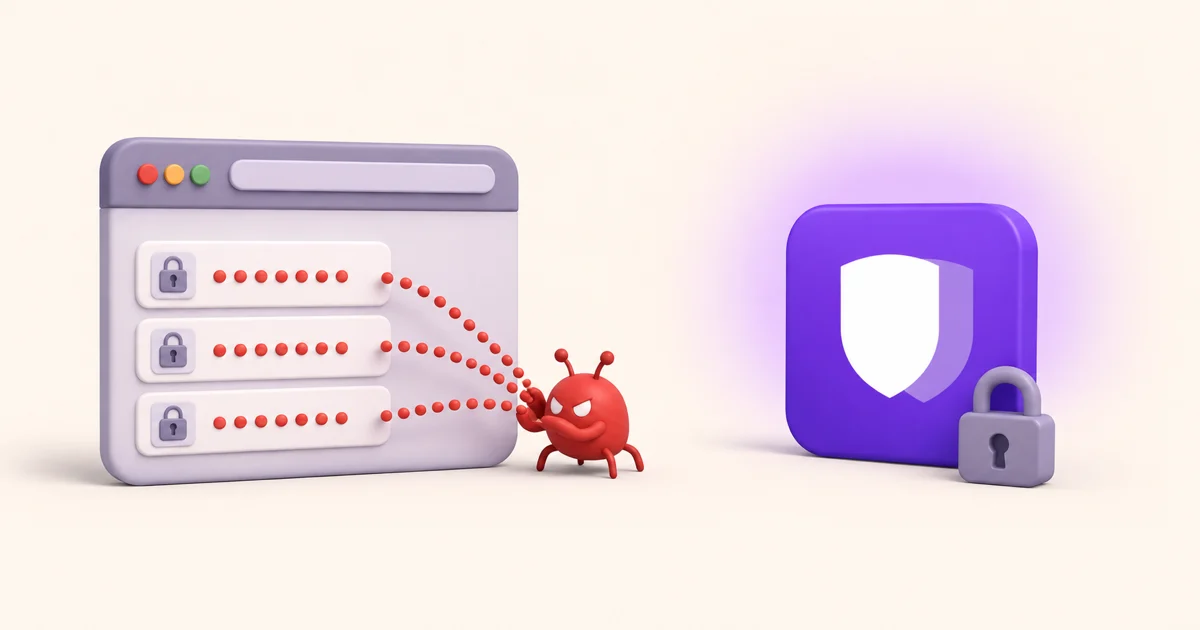
You sign into a site, the browser offers to save the password, you click yes, and you never think about it again. Multiply that by a few hundred logins built up over years and your browser quietly becomes the master key to your entire online life. That's fine right up until something goes wrong, and the way it goes wrong is more common than most people realize.
1. Infostealer malware goes straight for your browser
There's a whole category of malware built for one job: grabbing the login data your browser stores. RedLine, Raccoon and Vidar are the well-known names, and they're rented out cheaply on criminal forums to people with no technical skill. You pick one up from a fake download, a cracked game, a dodgy email attachment, and within seconds it can copy every saved username, password, session cookie and card number off your machine.
The reason it's so fast is structural. Your browser has to be able to decrypt your passwords the moment you land on a login page, which means the keys to unlock them live right there on the same device, reachable by anything running under your user account. The stealer doesn't need to crack anything. It just reads what the browser already keeps within arm's reach.
The core problem
A browser's job is to load pages from strangers and run their code. Keeping the keys to all your accounts inside that same program means your most sensitive data shares a room with the most hostile code on the internet.
2. Unlocked device, unlocked passwords
Most browsers hand over saved passwords the instant the device itself is unlocked. No separate prompt, no second check. So anyone who gets a few minutes with your unlocked laptop, a partner, a coworker, someone who lifts it off a cafe table, can open the settings page and read every password in plain text. There's no master password standing between them and the list because the browser never asked you to set one.
3. One account holds the master key
When your passwords sync through your Google or Apple account, that account becomes a single point of failure. Whoever gets into it gets into everything you've ever saved. And because you use that same account for email, the attacker can also intercept the password-reset links for the handful of sites you didn't save, finishing the job. A dedicated vault breaks that chain by locking your passwords behind a separate key that never travels with your main account.
4. Session cookies are the part everyone forgets
Passwords are only half of what a stealer takes. The other half is your session cookies, and they are arguably worse.
A session cookie is the token your browser holds after you log in, the thing that keeps you signed in so you are not re-entering a password on every page. If an attacker copies that token, they can load it into their own browser and land inside your account already authenticated. They never see your password, so changing your password does not necessarily evict them, and because the session was established by you, from your device, it often does not trip the "new login from an unrecognised device" warning that would otherwise reach your inbox.
This is also the reason two-factor authentication is not a complete answer here. Your second factor is checked when the session is created. A stolen session is already past that gate. The practical response after any suspected infostealer infection is to sign out of all devices, which invalidates existing sessions, rather than only resetting passwords.
5. Everything in one place, with no separation
Browsers have gradually become the store for more than logins. Saved cards, addresses, phone numbers and autofill profiles all sit in the same place, protected the same way. A single grab therefore yields your credentials and your payment details together, which is what makes these logs valuable enough to resell.
A dedicated vault does not magically make that data harder to want. What it changes is that the data is not sitting inside the one program on your computer whose entire job is executing code written by strangers.
To be fair: browser password managers have improved
The honest version of this argument has to acknowledge that the browser vendors are not standing still, and for some people the built-in option is a genuine step up from reusing one password everywhere.
- Chrome and Edge can require your operating system credential before revealing or filling a saved password, which closes some of the unlocked-device gap. It is off by default for most people, so it is worth turning on either way.
- Both warn you when a saved password turns up in a known breach, which is a real, useful feature.
- On mobile, saved passwords are protected by the platform keystore and are meaningfully harder to extract than on a desktop.
None of that changes the structural point. The data still lives inside the browser process, it still unlocks alongside your main account, and the desktop case, where infostealers actually operate, remains the weak one. Better is not the same as separated.
What to do if you think you have already been hit
If a machine has run something suspicious, order matters. Changing passwords from an infected device just hands the new ones over too.
- Get the device clean first, or move to a different device you trust.
- Sign out of all sessions everywhere, starting with your email account, since that is the reset path for everything else.
- Change the passwords that matter most, from the clean device: email, then banking, then anything holding payment details.
- Check Have I Been Pwned for exposures you did not know about, and review authorised third-party apps on your Google account.
- Then move the passwords out of the browser, so the next incident does not start from the same place.
What a dedicated vault does differently
The fix isn't complicated. You move your passwords out of the browser and into an app built only to guard them, sealed with a key derived from a master password you choose. If the encryption terms are new to you, the Argon2id and AES-256-GCM explainer walks through what they mean. In practice, a vault like OneVault changes three things:
- It lives outside the browser. Your logins sit in an AES-256-GCM encrypted database that browser-targeting stealers don't know how to read.
- It needs your master password. The encryption key is derived on your phone with Argon2id, so an unlocked device alone isn't enough to open the vault.
- It asks before it fills. Autofill requires a fresh fingerprint or face check, so a login only appears when you actively approve it.
Moving over is quick. You can export your saved passwords from Chrome or Edge and import them in a couple of minutes, then turn off the browser's own password saving. If you're comparing dedicated apps first, our 2026 password manager comparison lays out the options.
Get your passwords out of the browser
OneVault keeps your logins, 2FA codes and cards in an offline vault that opens only for you. Import from Chrome in minutes and start free.
Download OneVault free on Google Play →